UniVideo
Create high-quality videos with AI video generation and editing powered by multimodal understanding. Turn your text, images, or footage into polished video instantly.
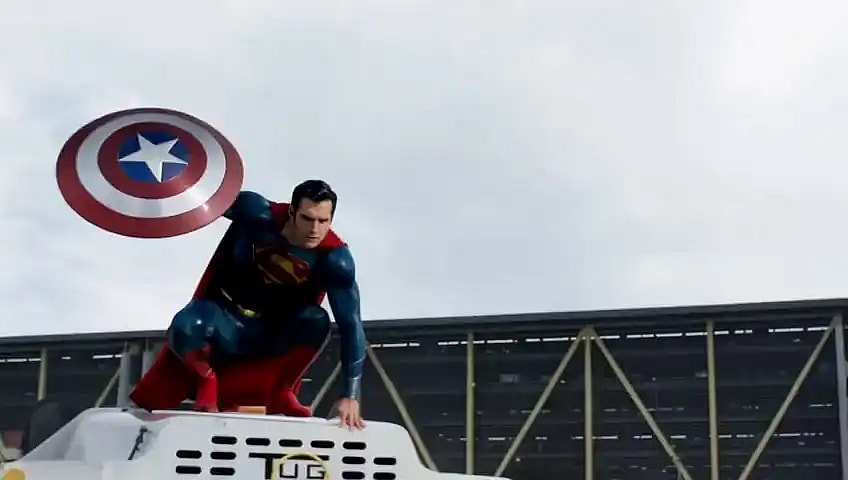

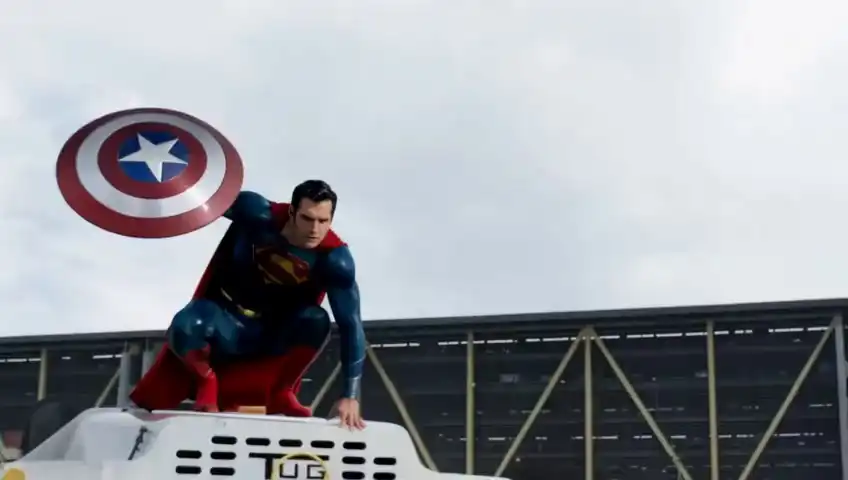
Key Features of UniVideo
Experience faster, more intelligent video creation with a Dual-Stream Architecture built for deep understanding and precise generation.
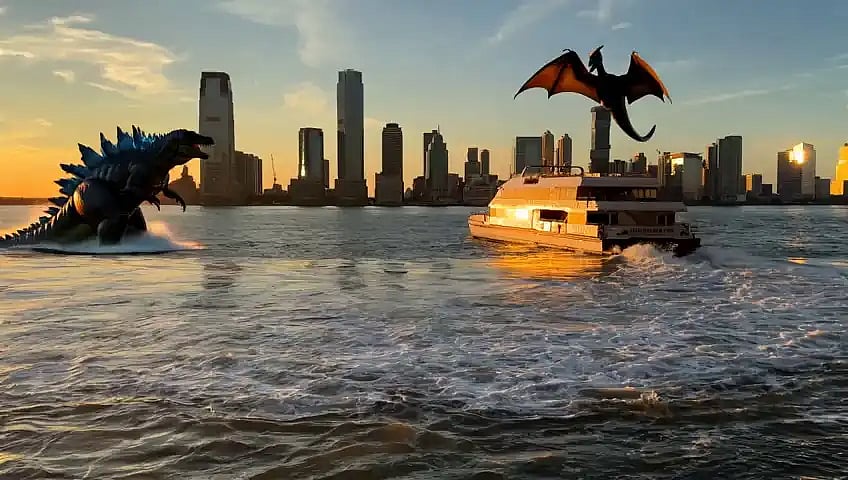
Understand Any Complex Prompts
Interpret text, images, and video inputs with deep semantic reasoning. Multimodal Large Language Model (MLLM) analyzes scene context, object relationships, styles, and user intent, enabling instruction-driven workflows without manual configuration.

Generate Videos With Natural Language
Diffusion-based transformer (MMDiT) transforms structured intent into smooth motion, stable identity, accurate compositions, and frame-perfect edits, ideal for text-to-video, image-to-video and video-to-video tasks.
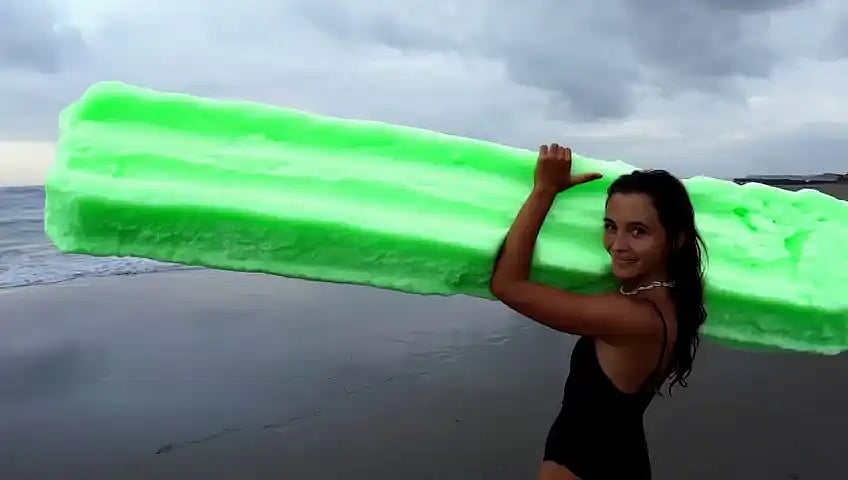
Leverage In-Context Generation
Maintain identity, style, and narrative consistency across shots using reference images or clips. UniVideo learns from examples to reproduce characters, compositions and artistic styles for coherent multi-shot or branded video creation.
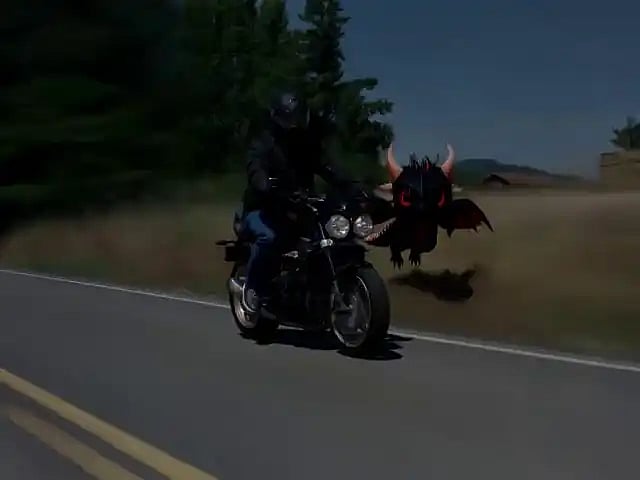
Control Scenes Through Visual Prompts
Guide composition, layout, and motion direction using sketches, layouts, or design cues. UniVideo interprets spatial structure and visual relationships, allowing creators to shape scenes with intuitive visual inputs.
UniVideo Showcase
Explore UniVideo's capabilities: In-Context Video Generation, Visual Prompt Understanding, and In-Context Video Editing.
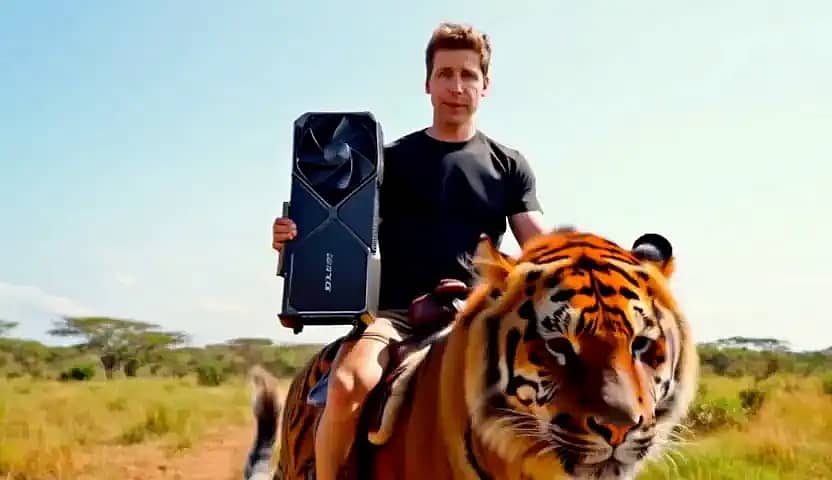
A man wearing in a black T-shirt rides a majestic tiger across a sunlit plain. He holds a gaint RTX 4090 graphics card in one hand, maintaining perfect balance as the tiger moves gracefully.
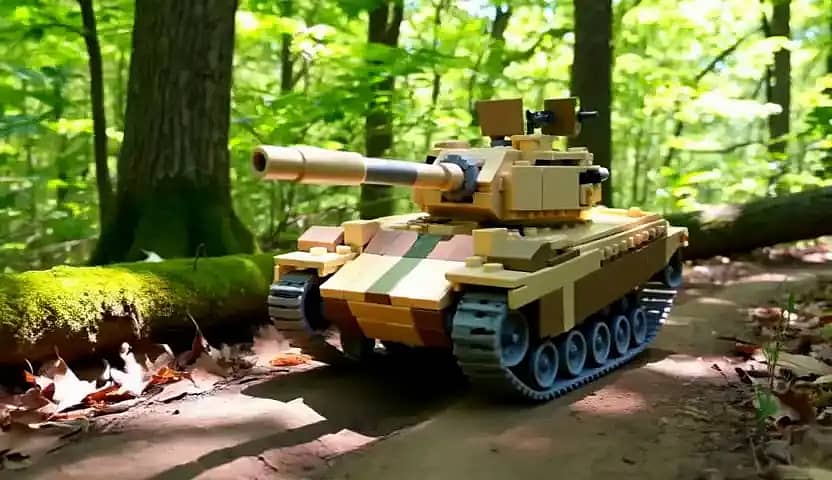
A highly detailed Lego tank, constructed from interlocking bricks, rolls steadily through a dense, sun-dappled forest.
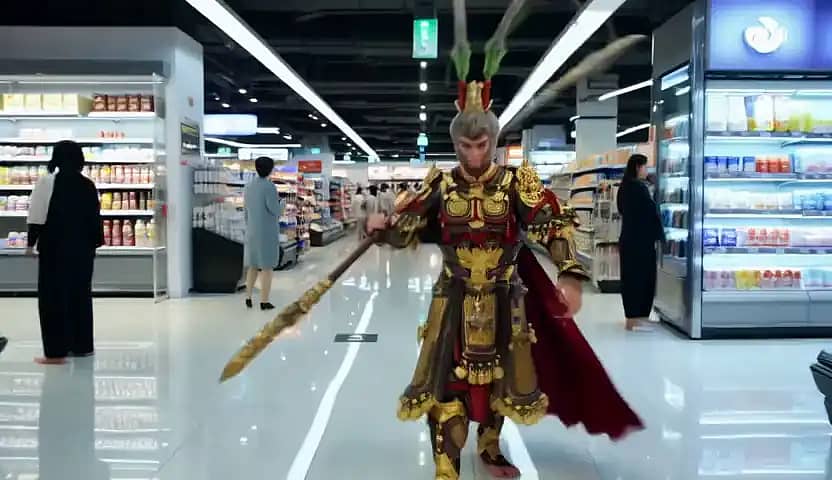
Wu kong, clad in ornate golden armor adorned with intricate red and black patterns, strides confidently through the aisles of a brightly lit modern supermarket.
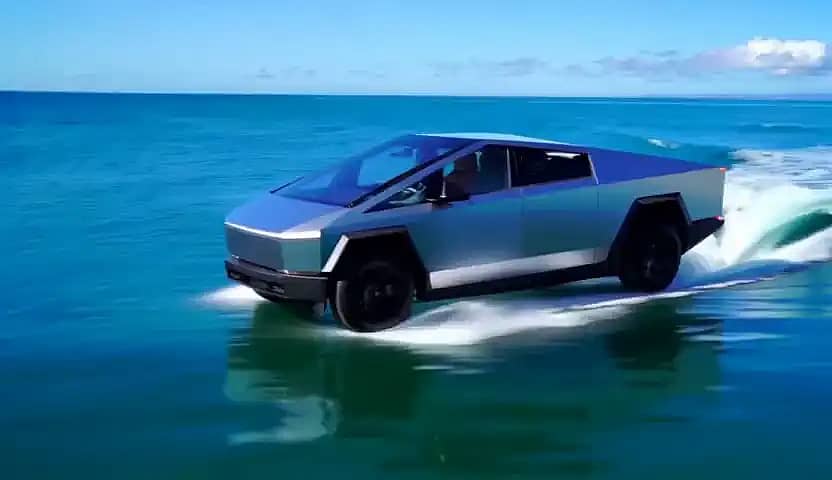
A futuristic stainless-steel Tesla Cybertruck glides smoothly across the surface of a calm ocean under bright sunlight

Two men engrossed in a deep conversation. The setting is the interior of a high-tech laboratory.

A man dressed in a vibrant Hawaiian shirt with a colorful floral pattern, sits on a beach lounge chair. On his shoulder, a Pikachu with a small detective hat perches. The man holds an ice cream cone, taking a bite
Use Cases of UniVideo
Marketing & Social Media Content
Create short-form ads, social media clips and promotional videos using text-to-video or image-driven generation. Easily replace backgrounds, adjust styles or refine scenes with natural-language editing. Ideal for TikTok, Instagram Reels, YouTube Shorts and brand campaigns.
Film, Animation & Pre-visualization
Generate storyboards, animatics, and early pre-viz sequences from text, sketches or reference images. UniVideo maintains character identity and style across multiple shots, helping directors and studios prototype scenes faster.
Product Demonstrations & E-Commerce Videos
Turn product photos into engaging marketing videos through image-to-video generation. Update colors, materials and product variants automatically. Perfect for e-commerce listings, 360-views, launch campaigns or lifestyle showcase videos.
Educational, Training & Explainer Videos
Visual prompts allow precise control of layouts and scenes, while natural-language editing makes instant corrections easy, ideal for courses, onboarding materials, and explainer content.
How UniVideo Works
Produce smart AI-driven videos/images with only four steps:
Input Your Idea
Write a prompt or concept—UniVideo understands detailed text instructions in many languages for both video and image generation.
Select Output Type
Choose between text-to-video, image-to-video, or AI image generation. Customize formats for your target platform—16:9, 9:16, or 1:1.
Let UniVideo Generate
Tap "generate"—UniVideo creates high-quality videos up to 10 seconds and brilliant high-resolution images with smooth motion and consistent visual style.
Download & Distribute
Export your AI-generated videos or images in common formats and integrate them into your workflows for marketing, social media, or creative production.